 Fire TV・動画配信
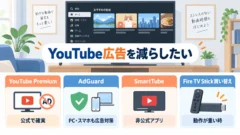
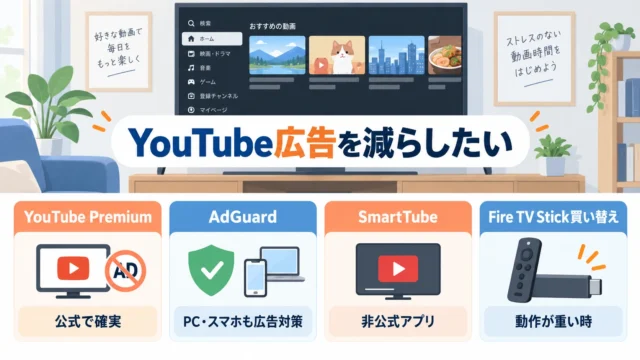
Fire TV StickでYouTubeを広告なしで見る方法 | AdGuardとSmartTubeを比較
Fire TV・動画配信  AI・開発・WordPress
  キーボード・入力・マウス
 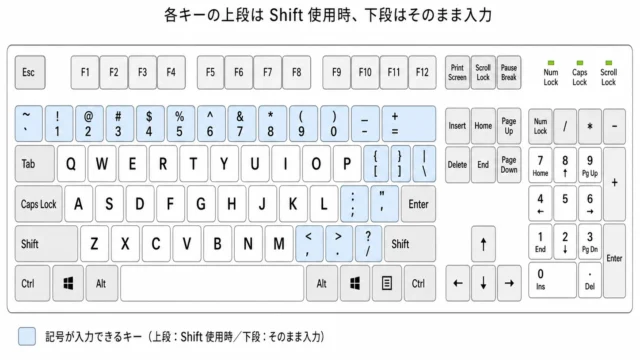 キーボード・入力・マウス
 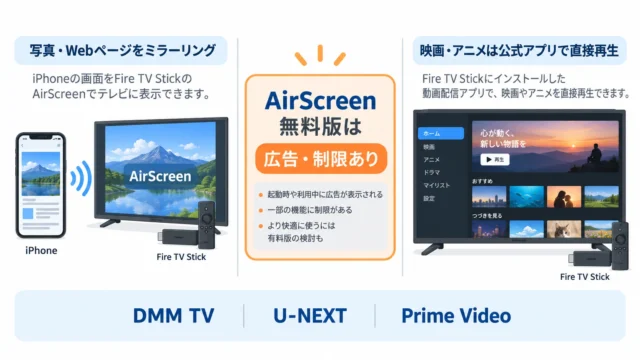 Fire TV・動画配信
 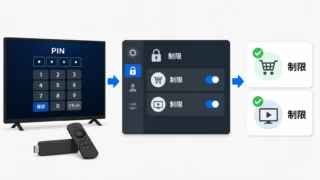 Fire TV・動画配信
  iPhone・iPad・Android・通信
 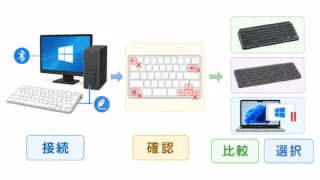 キーボード・入力・マウス
  キーボード・入力・マウス
  年齢・学年・干支・和暦
  キーボード・入力・マウス
  キーボード・入力・マウス